🌞 Authentication Factors: How Locks, Keys, and Faces Actually Keep Us Safe
Hook: The Door Test
Imagine logging in as entering your own home:
- A PIN is the secret knock at your front door (something you know).
- A smartcard is your house key or garage remote (something you have).
- Your face is what the smart doorbell recognizes (something you are).
- Your smart lock only works if you’re at your door—not calling from miles away (somewhere you are).
- And maybe your door “learns” your unique knock or the way you jiggle the key (something you do).
The smarter your house, the pickier it gets about letting people in. That’s layered authentication in action.
Why Is This Needed?
Using just a password to protect your account is like locking your whole house with a flimsy mailbox key.
Attackers can steal, guess, or trick you into revealing secrets.
That’s why modern security checks many signals, just like a cautious homeowner:
- What you know (secret knock/code)
- What you have (key/remote)
- Who you are (your face or fingerprint)
- Where you are (are you really at your own door?)
- How you behave (your way of knocking/entering)
This makes it much harder for “burglars” (hackers) to break in, keeps auditors happy, and lets security react if something feels “off.”
The 6 Factors of Authentication — The Home Edition
1. Something You Know
Your home’s secret door code or knock—only family knows it.
Technical Example: An 18-character passphrase plus a PIN for your work VPN.
2. Something You Have
The house key in your pocket, or your garage’s remote opener—if you lose it, you’re locked out (or a stranger could get in).
Technical Example: A FIDO2 security key you plug in to log in.
3. Something You Are
Your fingerprint unlocking your front door, or your face on the video doorbell—the door only opens for you.
Technical Example: An iris scan checked on-device so it can’t be faked.
4. Somewhere You Are
The smart lock only works if you’re physically standing on your porch—not if you try to unlock it from another city.
Technical Example: Your company blocks logins from outside the country unless you use another verification step.
5. Somewhere You Aren’t
Your house won’t unlock if it senses you’re “trying” to get in from two places at once (like the front door in Delhi and the back door in Tokyo five minutes later).
Technical Example: Security flags this and asks for more proof before letting you in.
6. Something You Do
You have a unique way of turning the key or knocking—a rhythm only your door expects.
Technical Example: If you type much faster/slower than usual, your account asks for another check.
Real-World Case Study — The House Analogy
Fail: The “Approve Fatigue” Attack
Situation:
A company protected its “house” with a password (door code) and push notifications (someone rings your bell, you hit “okay” on your phone).
Hackers tricked users into giving up the code and then spammed doorbell alerts until a tired person hit “Approve” without thinking.
Impact:
The “thieves” got inside, stole valuables (data), and caused chaos.
Lesson:
Just like a real house, having only one lock isn’t enough.
Smart locks (FIDO2 keys), number codes, and location checks are harder to fool than a simple “doorbell push.”
Win: Upgrading the Locks
Situation:
A finance company replaced text-message codes (like hiding the key under the mat) with FIDO2 keys and checked the “homeowner’s” location and device health.
Impact:
Break-ins (phishing) nearly disappeared.
Helpdesk calls for lost keys (password resets) dropped by half.
Lesson:
Having a physical key and checking who/where you are keeps your house (and data) much safer.
Action Framework — Prevent → Detect → Respond (The Home Way)
| Phase | What to Do (Home Analogy) | Why It Matters |
|---|---|---|
| Prevent | Install a smart lock with multiple checks (key, code, face, location). | Stops most burglars at the door. |
| Detect | Watch for strange entry attempts (late night, from odd places, repeated wrong codes). | Catches suspicious activity early. |
| Respond | If something’s wrong, lock all doors, require another proof, reset keys/codes. | Stops thieves before they do harm. |
Key Differences
| Concept | Weak | Strong | Why It Matters |
|---|---|---|---|
| Password vs Passphrase | Short, guessable code | Long phrase only family knows | Longer = harder to guess/break in |
| SMS OTP vs FIDO2 | Key hidden under doormat | Physical key in your pocket | Physical key can’t be copied remotely |
| Push Approval vs Number Matching | Doorbell anyone can ring | You must punch a code in at the door | Ensures you’re really present |
| Server Biometric Storage | All family faces in a public list | Faces only stored on your own device | Local storage means less risk if hacked |
| Static Policy vs Adaptive | Door always asks for same code | Extra checks at 2 a.m. or from new place | Less hassle, more safety |
Authentication Flow (Simple Diagram)
 [Visitor at Door]
   |
   v
 [Enter Name] --(do you live here?)--> [Yes]
   |                                   |
   v                                   v
[Primary Check: Code/Key/Face] -->[Smart House: checks time, device, location, pattern]
                                      |       \
                                      |        \--> [Impossible entry? Extra check!]
                                      v
                             [House Rules: family, friends, time]
                                      |
                                      v
                             [Allow | Ask more | Deny]
Summary Table: The “Home” Analogy
| Concept | Definition | Home Example | Technical Example |
|---|---|---|---|
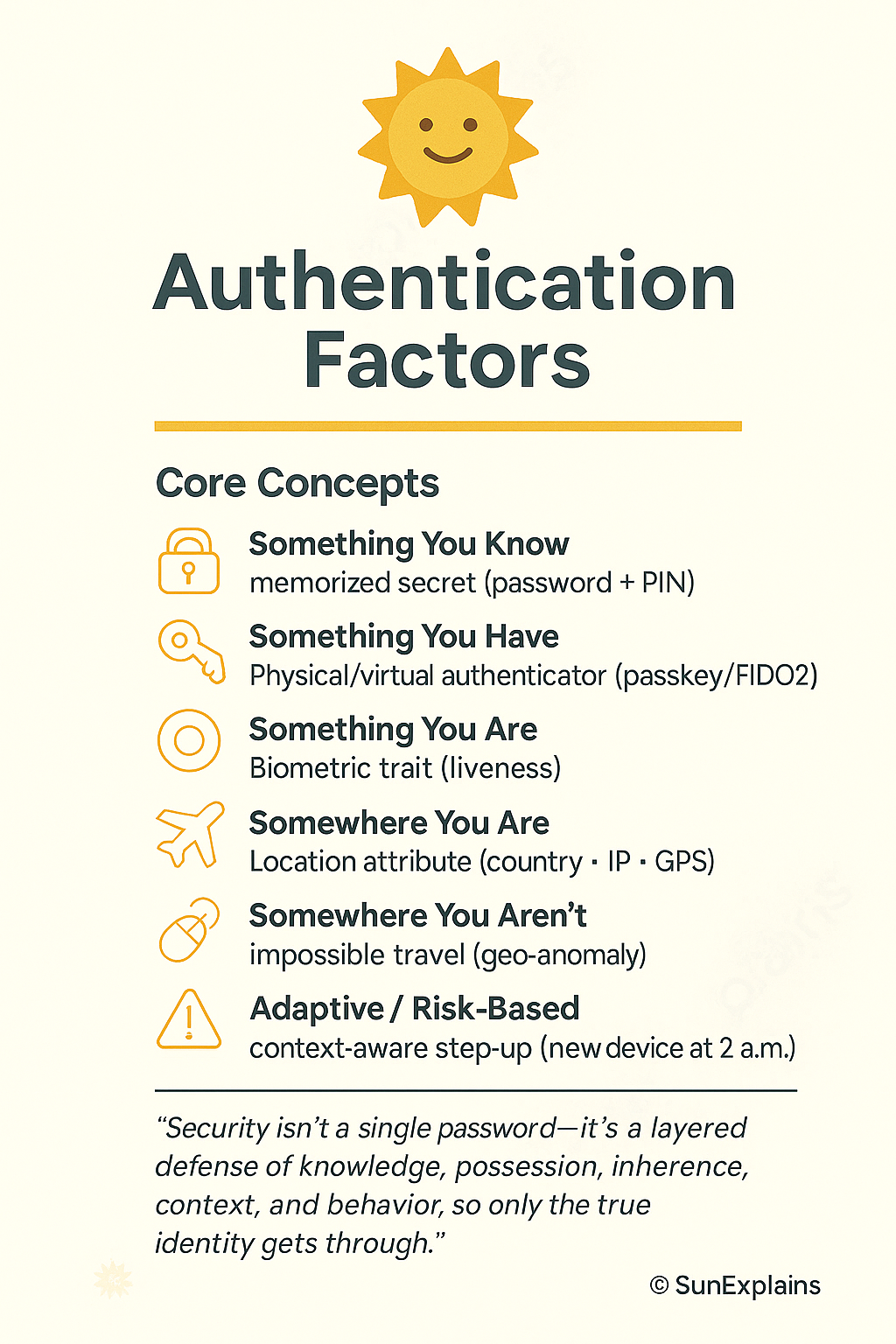
| Something You Know | Memorized secret | Your secret door code or knock | VPN password + PIN |
| Something You Have | Physical/virtual authenticator | Your house key or remote gate opener | FIDO2 key for WebAuthn |
| Something You Are | Biometric trait | Fingerprint unlocks smart lock; doorbell sees face | Iris scan on-device |
| Somewhere You Are | Location attribute | Door unlocks only if you’re on the front porch | Country/IP/GPS-based access |
| Somewhere You Aren’t | Impossible travel signal | Door refuses if you “unlock” from two cities at once | Geo-anomaly triggers extra checks |
| Something You Do | Behavioral pattern | Unique way of turning the key or knocking | Keystroke rhythm triggers re-authentication |
| Adaptive/Risk-Based | Policy changes by context | Extra checks if you enter at 2 a.m. or from new device | MFA on new device at 2 a.m. |
What’s Next?
Next up: Federated Identity — The Trust Bridge.
How can you use your “home key” to safely enter other trusted homes (like a neighbor’s house or your office) without carrying a dozen keys?
That’s where federation comes in.
🌞 The Last Sun Rays…
Security isn’t a single password—it’s a layered defense of knowledge, possession, inherence, context, and behavior, so only the true identity gets through.
Question for you:
Which extra protection would you add to your home tomorrow — a fingerprint lock, a smart door that checks where you are, or a camera that learns your unique way of entering?

By profession, a CloudSecurity Consultant; by passion, a storyteller. Through SunExplains, I explain security in simple, relatable terms — connecting technology, trust, and everyday life.
Leave a Reply